
What’s one part of running your business that turned out to be completely different from what you expected?
Like Reply Repost Share
A thought, a question, a story from the day. Save the idea now and prepare your next Threads post without breaking your focus.
Start your free trial14 days free. $0 today. Card required.
Start with the part you’d tell a friend.
Save a rough draft when something comes to mind. Come back to tighten the opening, add a photo, or turn it into a short conversation starter.
Reuse the idea from your launch post, then make it more personal for Threads. Review the text and media together before choosing when to publish.
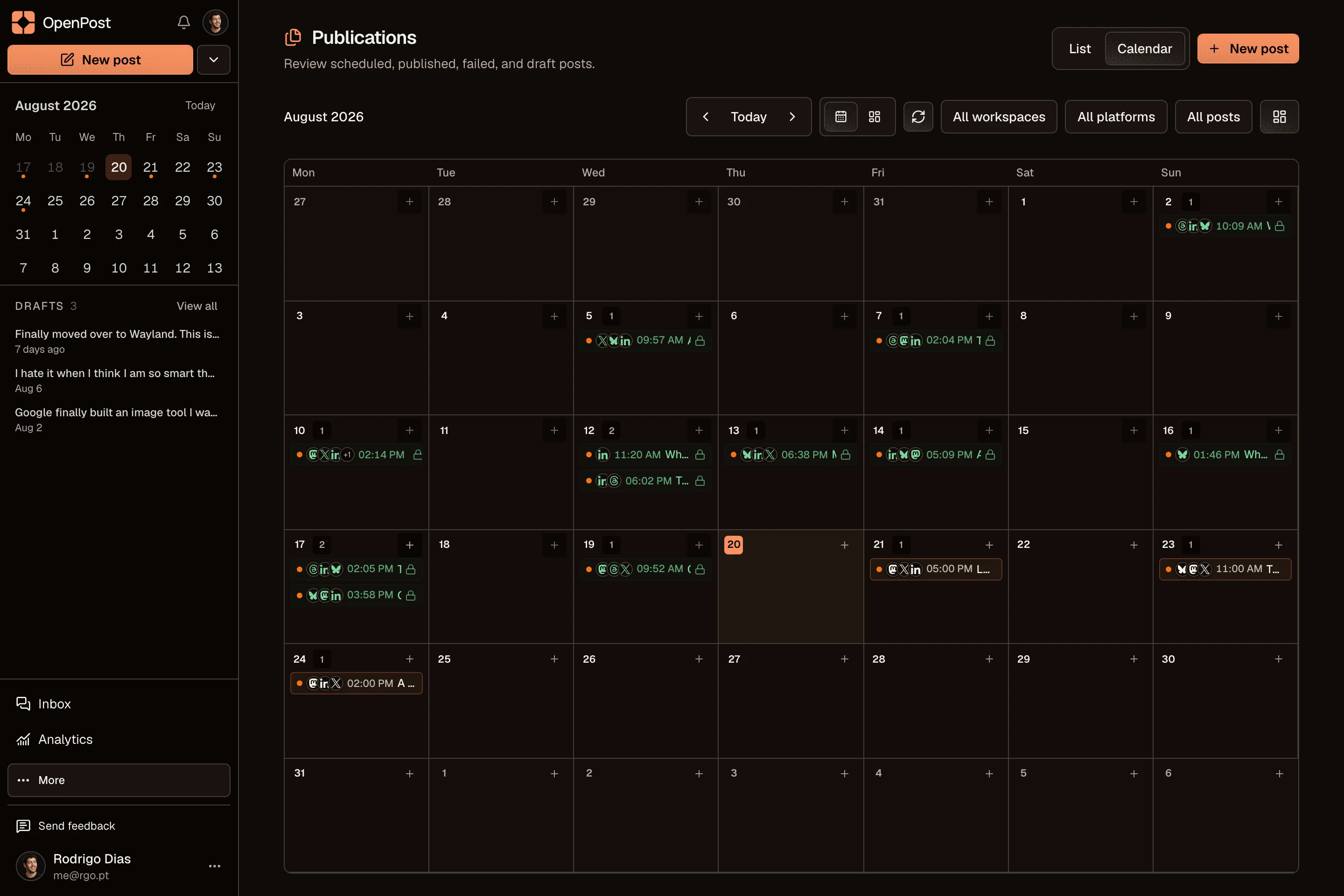
Use the calendar to mix updates, useful advice, and questions. See what you have prepared across your accounts without opening every app.
OpenPost includes text, image, carousel, and video formats for Threads. Available formats and file limits depend on the connected account and the posting options shown in OpenPost.
OpenPost includes these formats. Check the options available to your account before scheduling.
Yes. Start with one idea, select your accounts, then change the text and media for each channel. Your drafts and planned posts stay together in one calendar.
Explore the other channelsNo. OpenPost Cloud runs in your browser. You can also try the free image and video editors before creating an account. Full video editing works best in desktop Chrome or Edge.
Try the free tools