
O OpenPost APP Today at Now
This week’s update is ready. Here’s what changed, where to try it, and where to leave your feedback.
Prepare release notes, event reminders, and useful updates for your channel. Keep them on the same calendar as your public announcements.
Start your free trial14 days free. $0 today. Card required.
Your community should hear it from you.
Connect the Discord channel where members expect your updates. Prepare a clear message with screenshots or files so people have what they need in one place.
Write the announcement and follow-up together. Choose when each should appear instead of remembering to return to Discord at the right moment.
Use a shorter announcement for social feeds and more detail for existing members. Tailor the copy for Discord while sharing the same news.
No. The Discord connection sends messages through a channel webhook. It does not read the channel inbox. You need permission to create that connection in your Discord server.
OpenPost includes these formats. Check the options available to your account before scheduling.
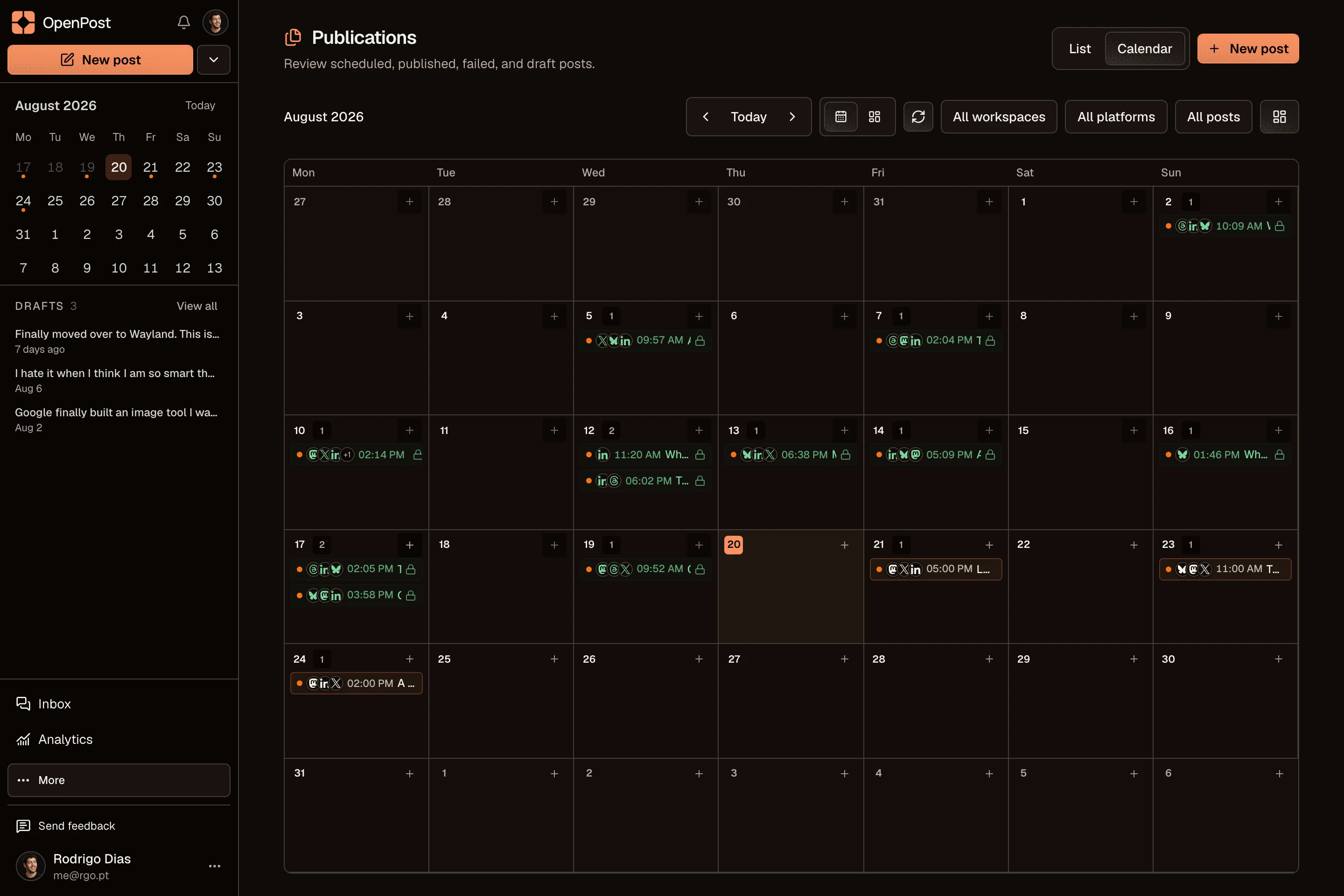
Yes. Start with one idea, select your accounts, then change the text and media for each channel. Your drafts and planned posts stay together in one calendar.
Explore the other channelsNo. OpenPost Cloud runs in your browser. You can also try the free image and video editors before creating an account. Full video editing works best in desktop Chrome or Edge.
Try the free tools